

1.20.0 — 30.04.2026
Mobile and tablet experience
Updated navigation for phones and tablets, fewer awkward dialogs on small screens, smoother open/close animations for nav bars, and layout fixes (including treating tablets more like mobile where it helps). Logbook navigation is friendlier on mobile.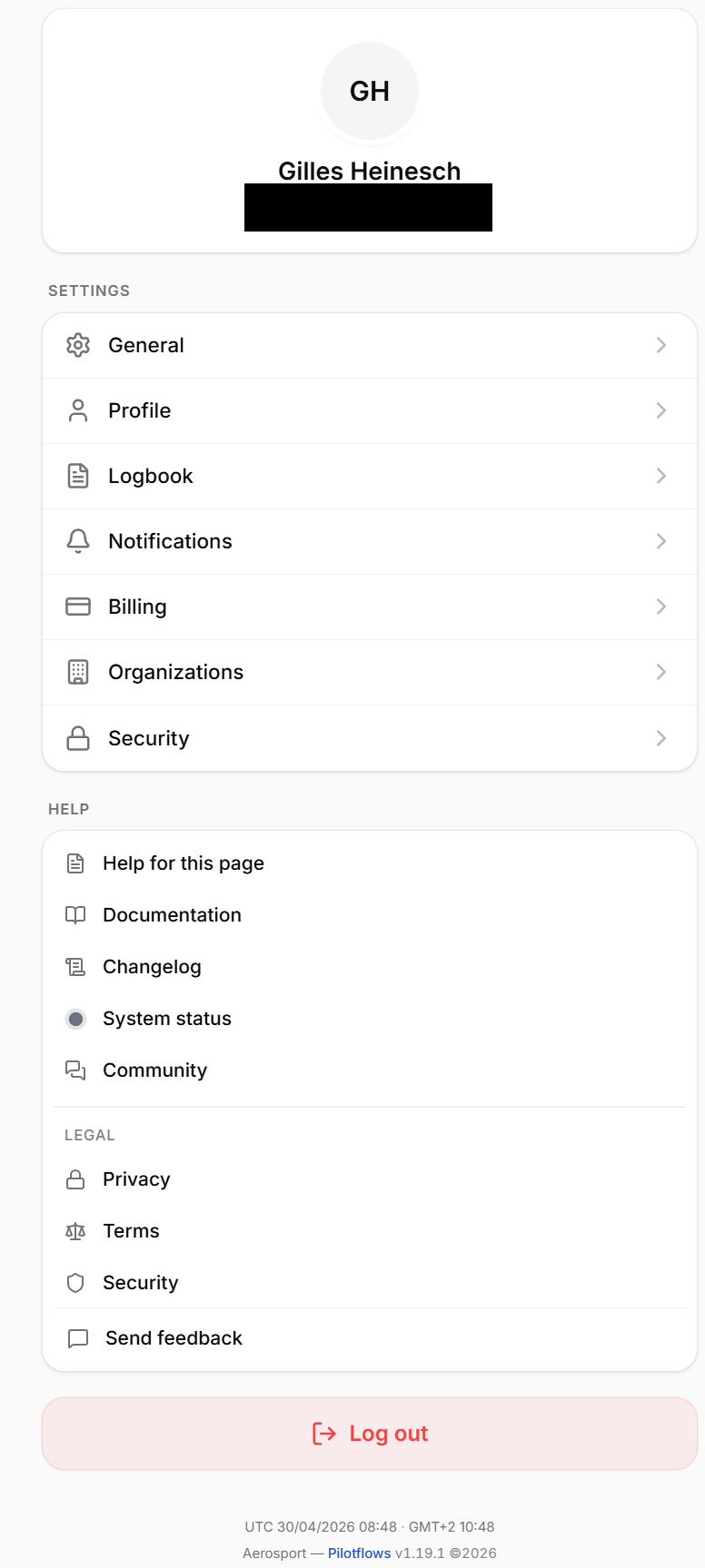
Reports assigned to people or roles
Organization reports can be assigned to a specific member or to a role, so distribution and responsibility are clearer.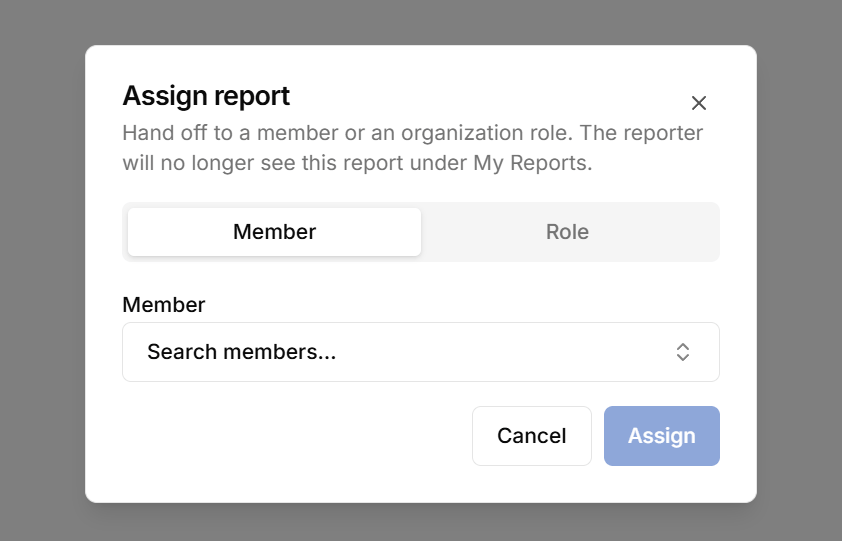
Improvements
Improvements
- Improved Email Designs
- **Aircraft type totals in the logbook - **Totals can reflect aircraft type where applicable, so hours and summaries stay aligned with how you categorize aircraft.
- **Logbook calculations on the server - **Core logbook math runs on the server instead of in the browser for more consistent results and better performance on large logbooks.
Bug Fixes
Bug Fixes
- Auth — Duplicate accounts from same email with different casing fixed.
- Flight log / people — Files and images on entries no longer expire incorrectly.
- SafeLog — 404 when starting import fixed; follow-up fixes for import behavior.
- UI — Skipped banners persistence improved.
- Permissions — Public organization key lookups corrected.
- Auth — Fewer misleading “wrong email/password” errors when the real problem is something else.
1.19.0 — 06.04.2026
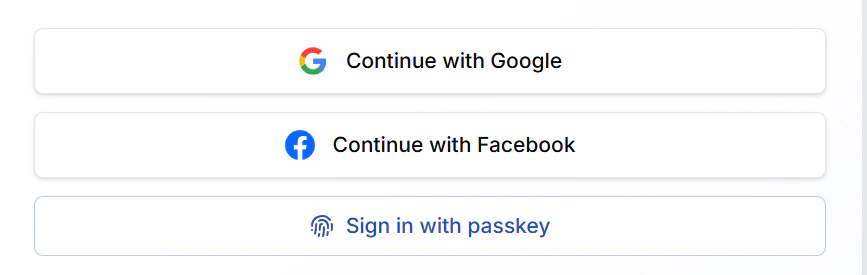
Facebook OAuth Sign-Up
A new authentication option allows users to sign up or log in instantly using their Facebook account.This streamlines onboarding while offering a secure and convenient social login experience.
Dedicated Bar Checkout for Organizations
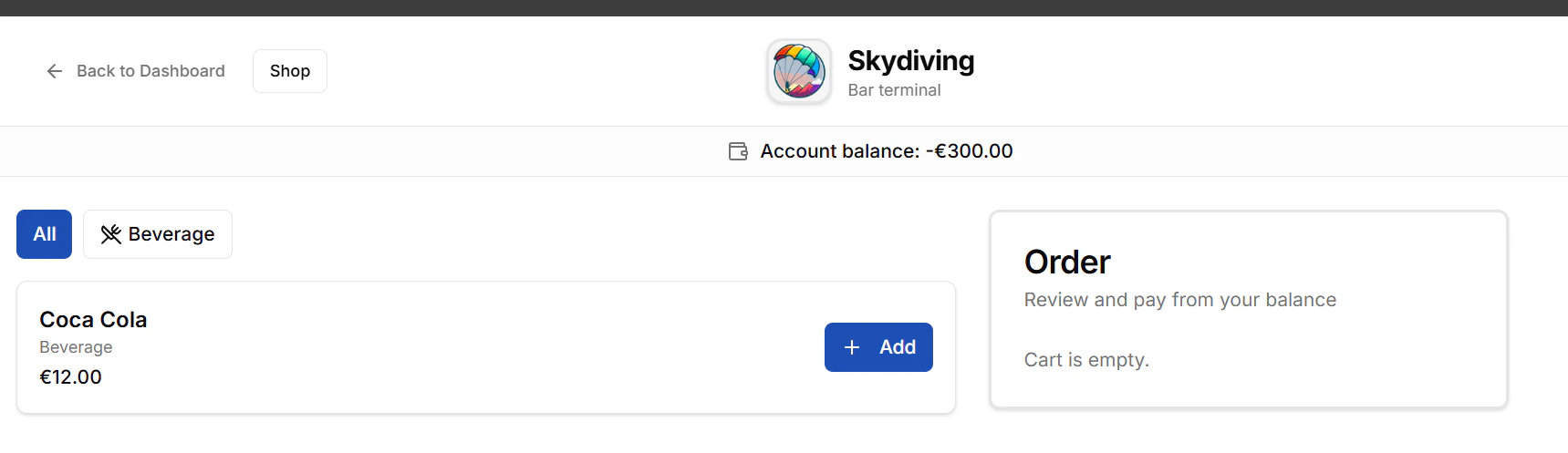
Organizations can now access two separate pages: a dedicated shop page and a bar page.The bar page is exclusively available to logged-in organization members, enabling a more controlled and seamless checkout experience.
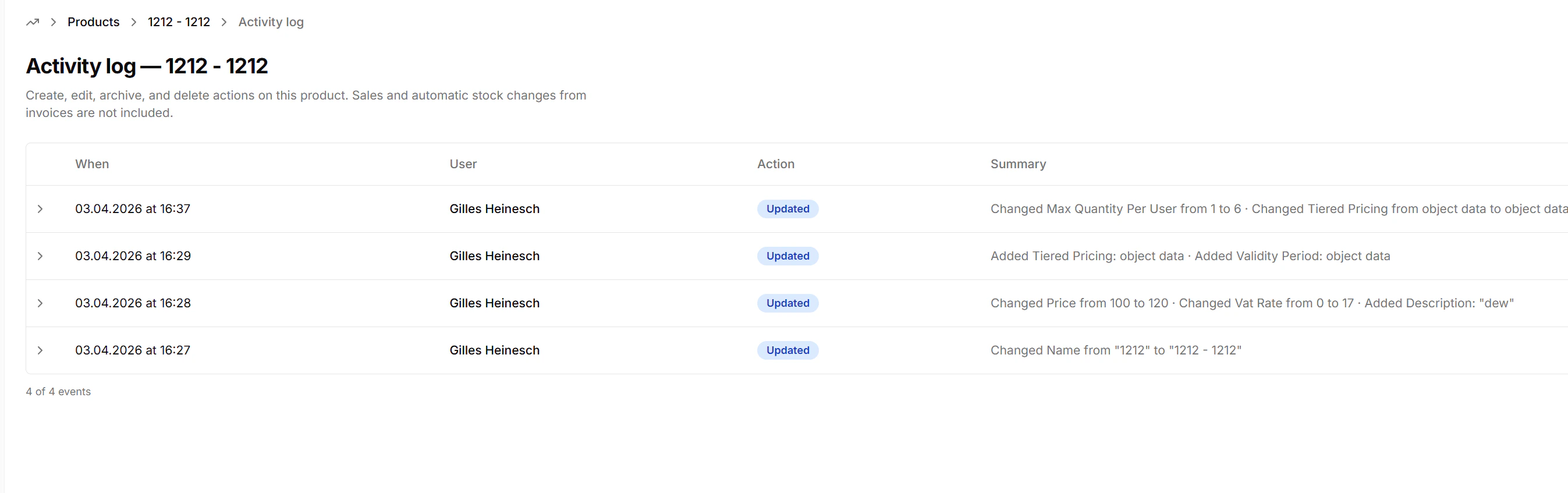
Product Activity Log
Each product now includes a detailed activity log that records all changes made over time.This improves transparency and makes it easier to track updates and modifications.
Improvements
Improvements
- User > Settings
Refactored the user settings pages for improved structure, usability, and clarity. - User > Logbook
Added the ability to resend signature requests directly from flight logs. - Organization > Members
Member access cards can now be linked to individual organization members, improving access management. - Dashboard Improvements
Implemented various minor design enhancements across the dashboard for a more consistent and polished user experience.
Bug Fixes
Bug Fixes
- Paywalls
Fixed an issue where paywalls were sometimes displayed incorrectly. - Google OAuth
Resolved a problem that occasionally prevented users from logging in or signing up with Google. - Logbook Imports
Fixed an issue where the Logbook Imports page was inaccessible. - Flight Logs
Corrected validation issues where “Examiner” and “Instructor” roles were not accepted. - Dashboard Search
Resolved an issue causing a 500 error when using the dashboard search bar. - Security Notifications
Re-enabled email notifications for sign-ins from new devices or IP addresses. - Organization Settings
Fixed issues where certain organization settings could not be fetched when a trial had expired. - Signature Requests
Corrected an issue where signature requests were sometimes sent using the beta domain instead of the production domain. - General Fixes
Applied numerous additional minor bug fixes and stability improvements.
1.18.0 — 23.03.2026
Google OAuth Sign-up
New authentication option: sign up or log in directly with your Google account. This simplifies onboarding and improves security for users preferring social login.
Organization Report Templates
Report templates can now be defined and managed at the organization level. This allows standardized reporting across teams, clubs, or FBOs.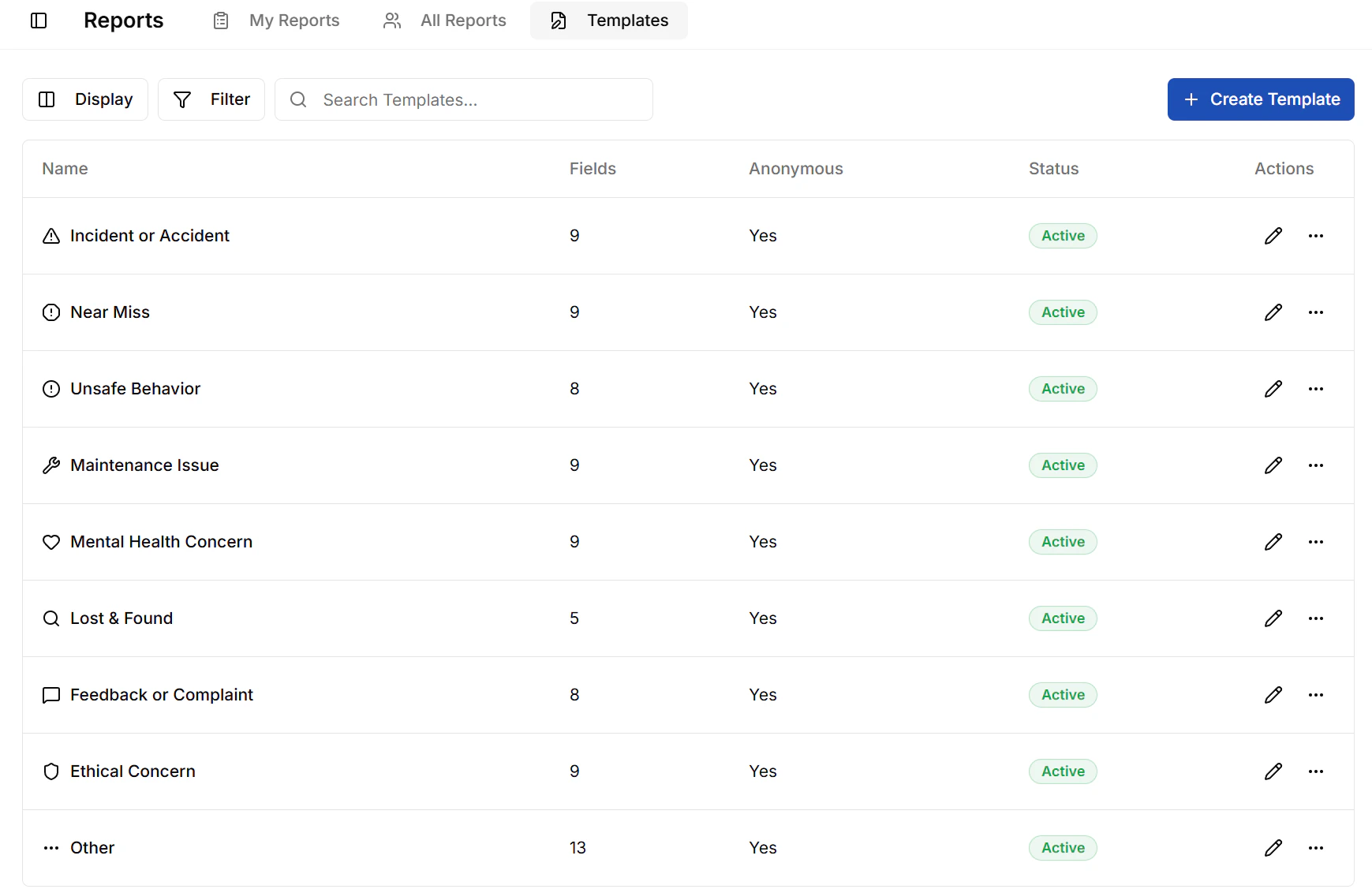
Flight log Groups
Logbook entries can be placed into groups to organize your personal flights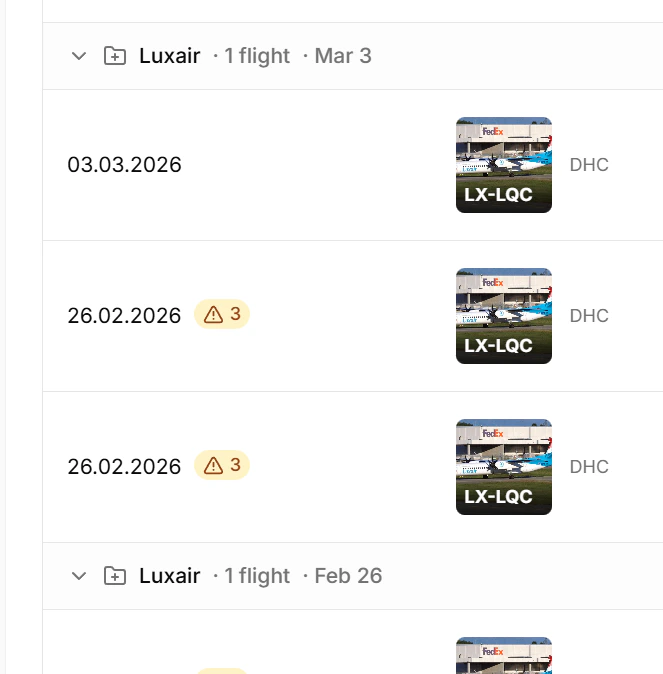
Improvements
Improvements
- Many minor improvements across many pages
Bug Fixes
Bug Fixes
- Paywall is now fully functional (no more incomplete restrictions)
- Hangar>Scheduler colors fixed
- Invites: accept/decline dialog only shown when logging in; 2FA no longer disregarded with pending invites
1.16.0 — 28.02.2026
Subdomains & custom org URLs
Organizations can now have their own custom subdomain, so members can log in at a dedicated URL tailored to their org. Public shops are also accessible under/shop for organizations that have configured a subdomain.

Subdomains and custom org URLs
Live TV screen for the aircraft scheduler
A new live display mode for the aircraft scheduler is now available — perfect for mounting on a screen at your club or FBO to show live aircraft availability in real time.Improvements
Improvements
- Day and night landings are now correctly shown in FDR limit type displays.
- Scheduler performance and booking creation reliability have been significantly improved — loading times are faster and the flow is more stable.
- Unavailabilities are now reflected immediately in the scheduler calendar without needing a refresh.
- Training programs load correctly even for users without permission to view them directly.
- Various date format inconsistencies in the scheduler have been resolved.
- Newsletter signup now includes Cloudflare Turnstile verification for better bot protection.
Bug Fixes
Bug Fixes
- Fixed a bug where the sidebar occasionally showed an icon instead of the org logo when switching between organizations.
- Documents: aircraft and grounding settings are now correctly saved.
- Documents: drag & drop between folders is working again.
- Documents: the edit dialog now opens pre-populated with existing data.
- Scheduler: bookings can again be created successfully after verification.
- Scheduler: fixed various incorrect date formats throughout the calendar.
- Members: organizations can no longer have duplicate members added.
- People logbook: images are now correctly saved for both skydiving and flight logbooks.
- Fixed an infinite loading issue in the reminders tech logs.
- Fixed a population issue in the simulator log.
- Hobbs/tach values were not initializing correctly for maintenance entries — now fixed.
- Messages: organization pictures are now displayed correctly.
- Personal home page layout issues have been resolved.
- Dashboard Home Page now correctly shows navigation tabs.
- Overnight booking policy compliance has been fixed.
- Type of operation allowed setting is now correctly enforced.
- Fixed a certificate-related bug and ensured SMS notifications cannot be enabled without a phone number on file.
1.15.0 — 19.02.2026
Standard roles & role copying
Quickly set up permissions with predefined roles (e.g. Admin, Instructor, Pilot, Member) and copy configurations between organizations.Pinned announcements
Organization admins can now pin important posts/announcements directly from the organization dashboard home page so they stay visible at the top of the wall/feed.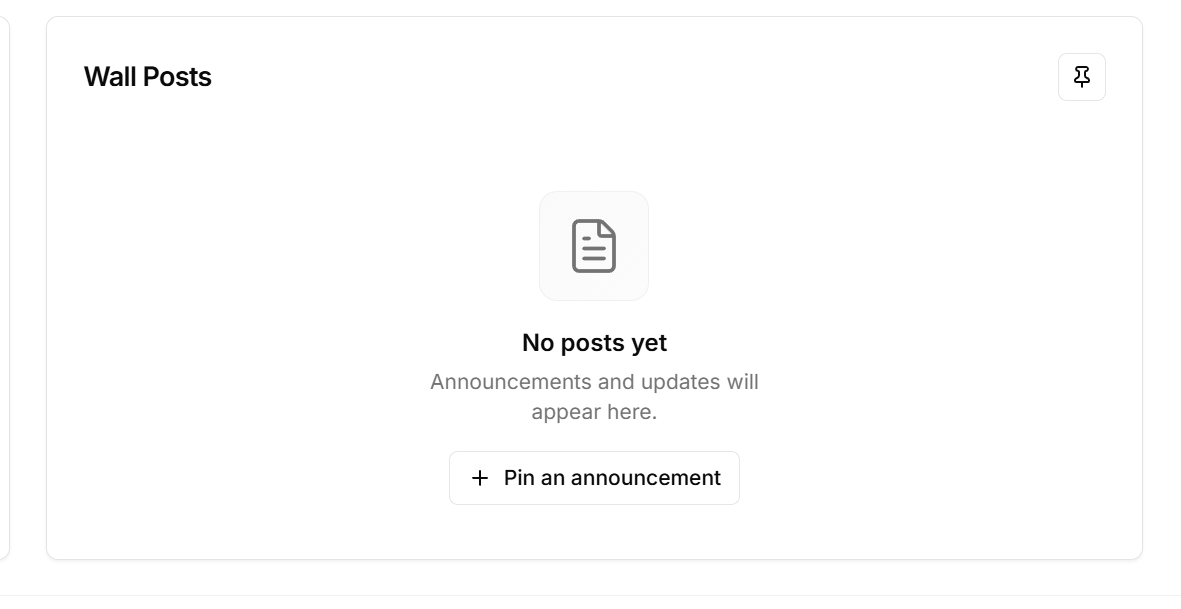
Pinned announcements
Limited purchases per user on products
New product setting lets you restrict how many times a user can buy a specific item (e.g. max 1 tandem course per person).
Limited purchases per user
Help icon & documentation access
New floating help button (bottom-right) gives quick access to relevant guides and docs for the current page/context.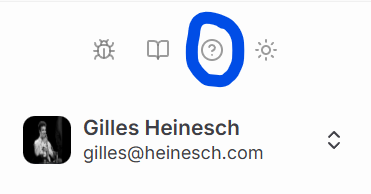
Help icon and documentation access
LogTen Pro import improvements
Better handling of LogTen Pro data imports with additional fixes for aircraft, people, and flight entries.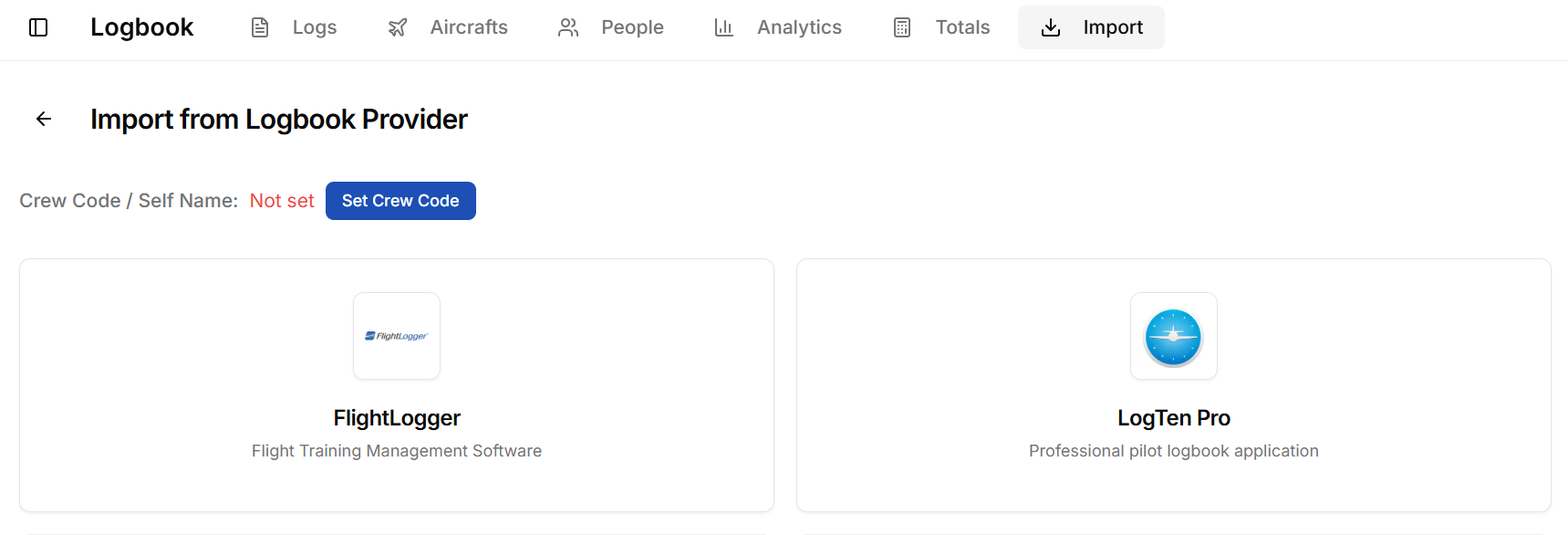
LogTen Pro import
Scheduler user preferences
Users can now customize their personal scheduling view/settings.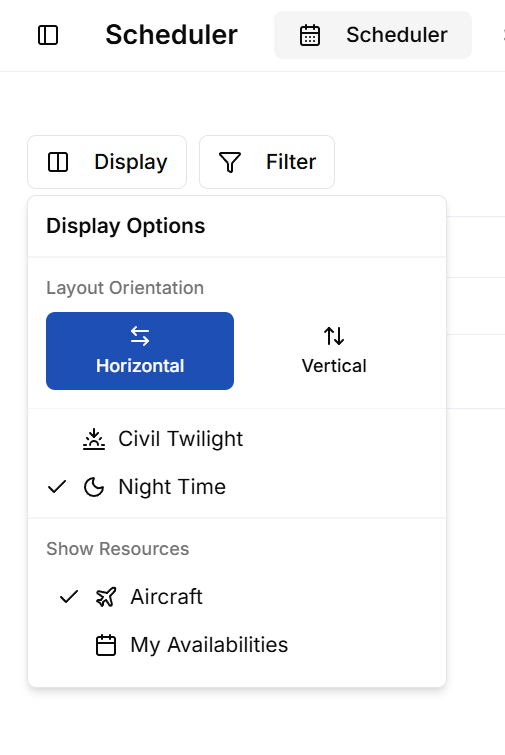
Scheduler user preferences
Improvements
Improvements
- Org switcher now shows PilotFlows logo gracefully when an organization has no custom picture.
- Trial expired page displays accurate member and aircraft counts.
- Flight dialog: better max-width handling for airport fields to prevent overflow.
- Flight log tab: clearer/more consistent labels.
- Multipilot entries now display correctly in relevant views.
Bug Fixes
Bug Fixes
- Fixed duplicated skydiving settings appearing in some cases.
- Resolved React hooks error (“Rendered more hooks than during the previous render”) in several components.
- Messages inbox: fixed hooks-related rendering issues.
- Document header no longer shows tabs incorrectly from other sections.
- SafeLog importer: prevents duplicate aircraft entries and properly creates associated people records.
- Turnstile sitekey handling ensured as string primitive (fixes potential verification issues).
- Signature canvas stabilized with fixed version (prevents drawing/compatibility problems).
1.14.0 — 09.02.2026
PilotFlows Public Beta Launch
This release marks the launch of the Public Beta for PilotFlows. We’re excited to bring our aviation and skydiving management platform to a wider audience.Improvements
Improvements
No improvements in this release.
Bug Fixes
Bug Fixes
No bug fixes in this release.